
Schedule widget
by deskdash · v0.1.2 · 44 downloads
Widgets install from inside DeskDash.
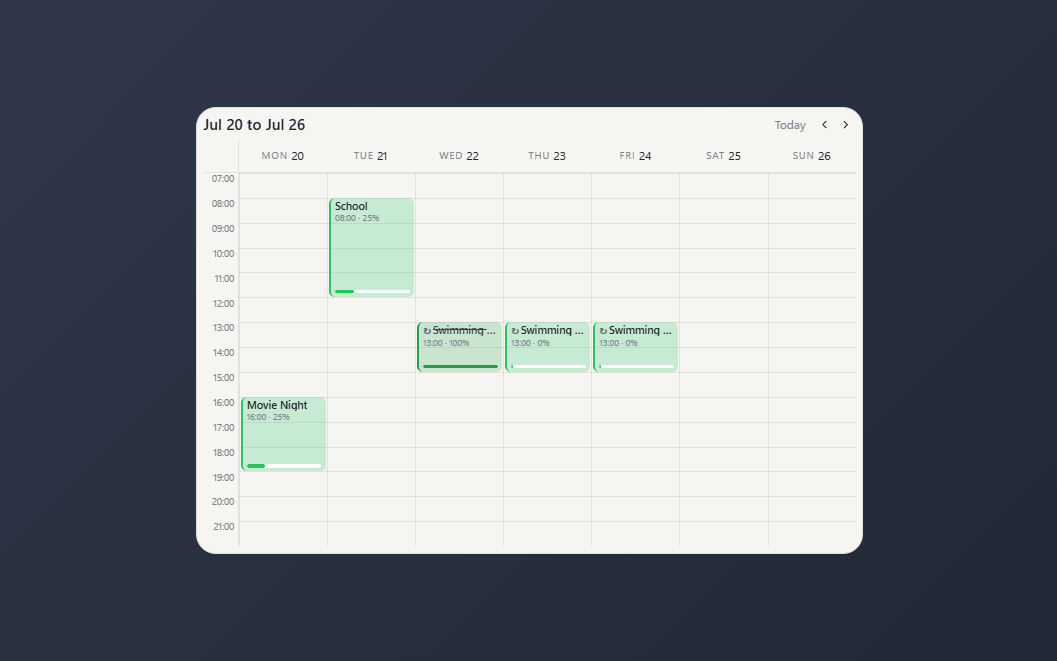
Weekly timetable of hour blocks with durations, repeats, reminders and per-day progress
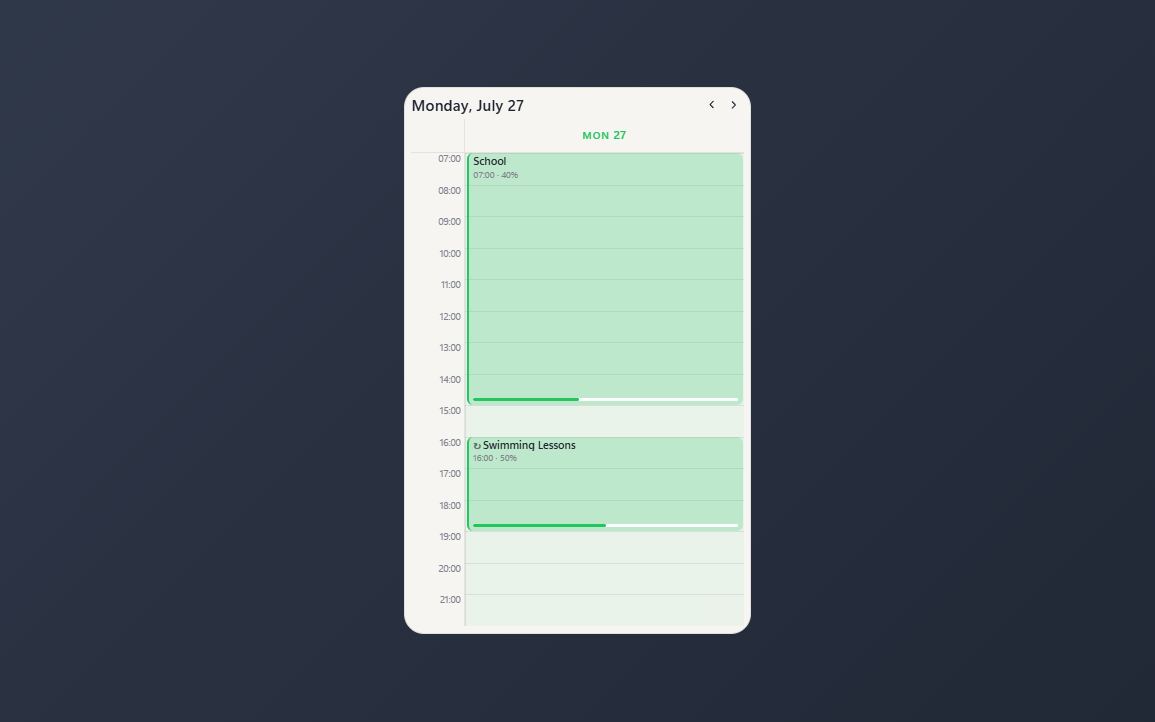
- A week of hour columns, or a single day, chosen in the settings
- Blocks of one to eight hours, side by side when they overlap
- Per-day progress, stepped straight from the block or set exactly
- Daily, weekday or weekly repeats, with an end date and skippable days
- Reminders raised by the dashboard, even while the widget is hidden
About this widget
A weekly timetable for the desktop. Days are columns, hours are rows, and a task is a block you place at an hour and give a length in hours. Click empty grid to add one, click a block to edit it, and step the weeks with the chevrons.
What makes it a timetable rather than a calendar is progress. Every block carries its own percentage for the day it falls on, so a class repeated every weekday is graded one day at a time: click the bar to step it through the quarters, or set an exact value in the editor. Reaching 100 marks it done.
Blocks repeat daily, on weekdays, or weekly, with an optional end date, and one day can be skipped without touching the rest of the series. Set a reminder and the dashboard raises it even while the widget is hidden.
The hours the grid covers, the view, whether weekends show, the week start and the time format are all settings. Everything is stored on your machine by the widget itself: no account, no sync, no service, and nothing leaves the desktop.
What it can access
- time
Reads the current time from the dashboard's clock
- storage
Saves its own data inside the dashboard
- notifications
Shows you reminders, even when the widget is hidden
Settings you can adjust
- View
One of: week, day
- Days shown
One of: all, weekdays
- First hour
A number (0 to 23)
- Last hour
A number (1 to 24)
- Week starts on
One of: monday, sunday
- Time format
One of: 24h, 12h
- Panel style
One of: none, solid, transparent, image
- Background image
A file you pick
- Image fit
One of: cover, contain
- Use theme accent color
On or off
- Custom color
A color of your choice
Details
- Version
- v0.1.2
- Size
- 23 KB
- Uploaded
- 27 Jul 2026
- Last updated
- 1 Sept 2026
Version history
- v0.1.2
- 1 Sept 2026 · 23 KB
- v0.1.1
- 10 Aug 2026 · 23 KB
- v0.1.0
- 27 Jul 2026 · 23 KB


