
Clipboard widget
by deskdash · v0.1.0 · 0 downloads
Widgets install from inside DeskDash.
The text and pictures you copy: click one to put it back on the clipboard
- Keeps your last 50 copied items, text and pictures
- Click an item to put it back on the clipboard
- Items stay blurred until you hover, because the list can include passwords and other private text you copy
- Pause the list while you copy something private
- Stays in memory only: a restart clears it, and nothing goes to disk

About this widget
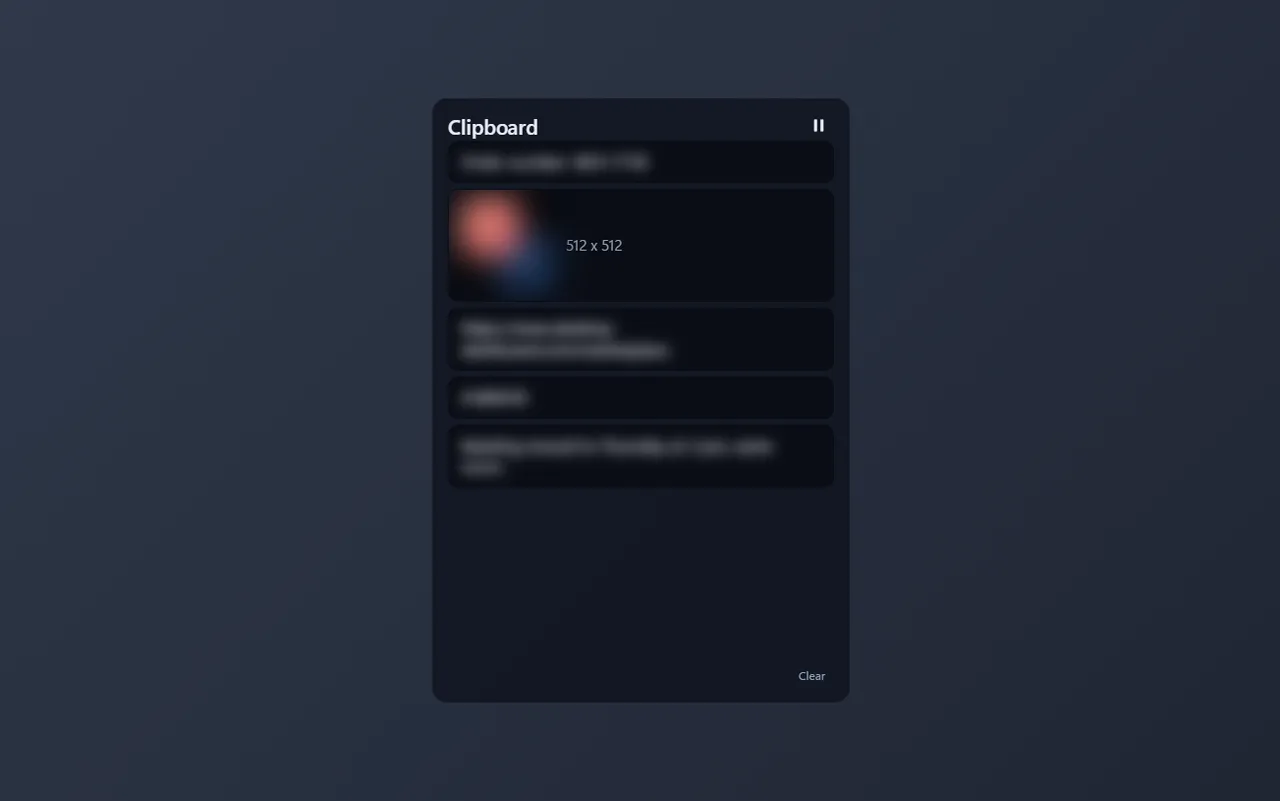
Clipboard keeps a list of what you copy, on your desktop: text with a short preview, and pictures such as screenshots with a thumbnail. Click an item to put it back on the clipboard, then paste it anywhere. Delete a single item on hover, clear the whole list, or press pause while you copy something private. This list can include passwords and other private text you copy, so each item stays blurred until you hover over it. You can turn that off in the settings, and then hide single items with the eye button on each row. The list stays in memory only, so nothing you copy is saved to disk, and a restart clears it. This widget cannot reach the internet: DeskDash does not allow a widget that reads the clipboard to have any network access.
What it can access
- clipboard
Sees all text and pictures you copy, which can include passwords, and can put them back when you click it
Settings you can adjust
- Title
Free text
- Hide contents until hover
On or off
- Text size
One of: tiny, small, medium, large, huge
- Panel style
One of: none, solid, transparent, image
- Background image
A file you pick
- Image fit
One of: cover, contain
Details
- Version
- v0.1.0
- Size
- 6 KB
- Uploaded
- 5 Nov 2026
- Last updated
- 5 Nov 2026
Version history
- v0.1.0
- 5 Nov 2026 · 6 KB


