
Calculator widget
by deskdash · v0.1.1 · 10 downloads
Widgets install from inside DeskDash.
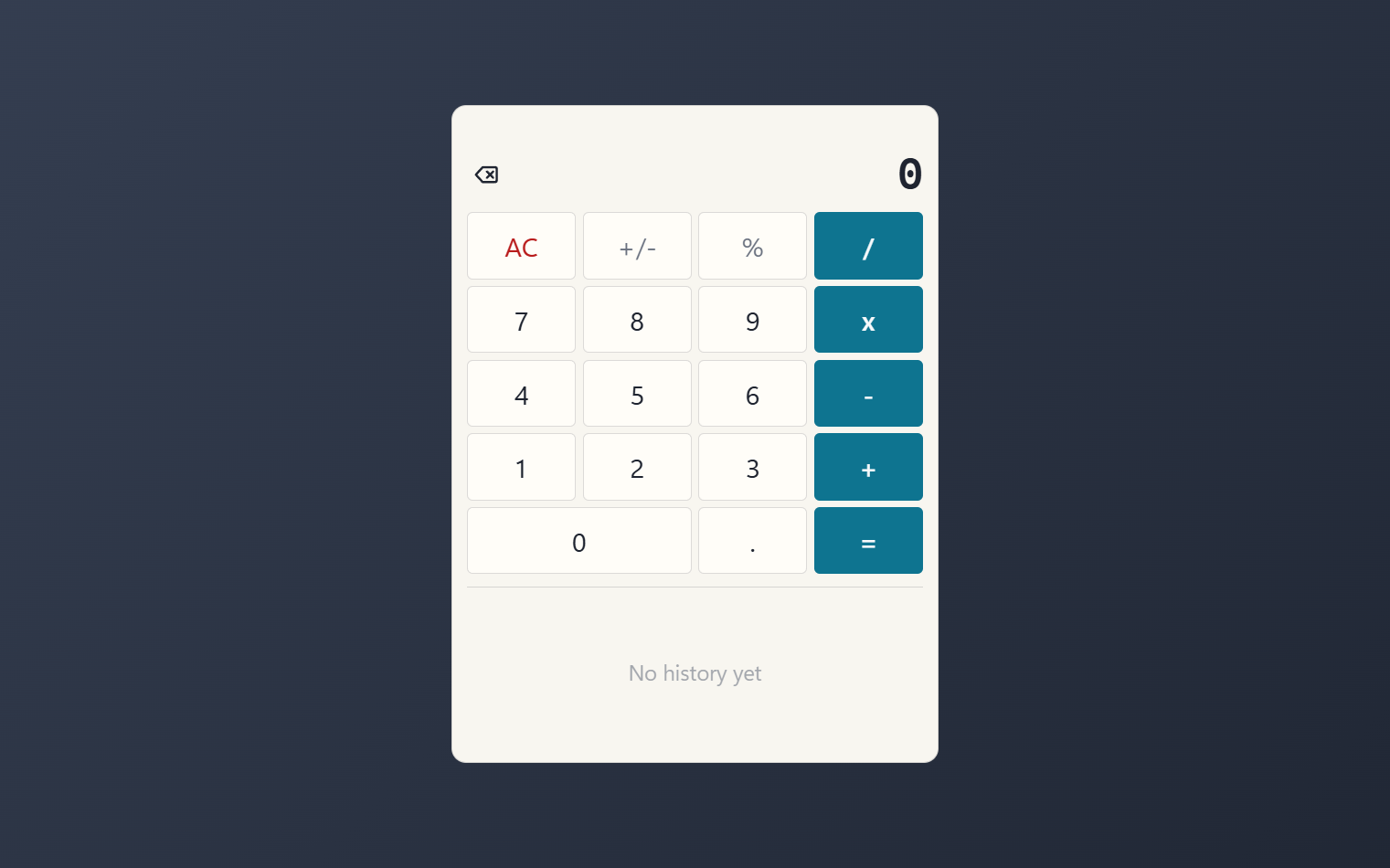
A basic calculator with keyboard input and a history tape
- Basic keys: digits, four operations, percent, sign, decimal, backspace and clear
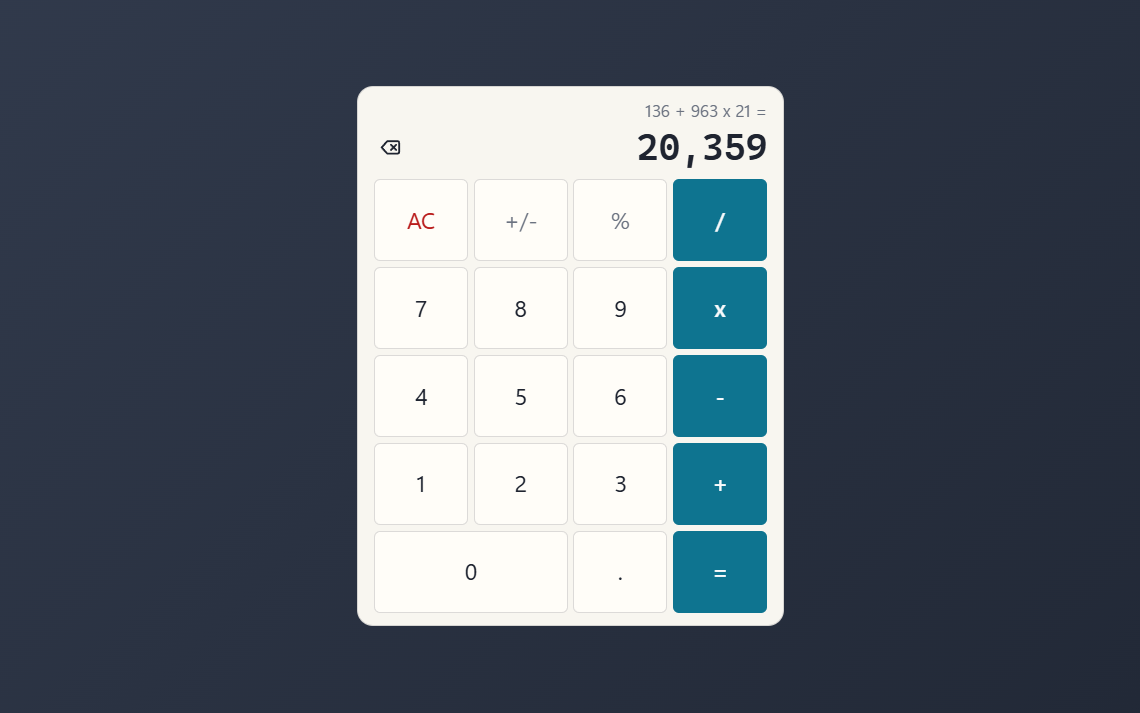
- Math precedence: multiplication and division before addition and subtraction
- Full keyboard input: click the widget once, then type; Enter is equals
- History tape of finished calculations; click a line to reuse its result
- Remembers the tape and the last result between sessions, stored locally
About this widget
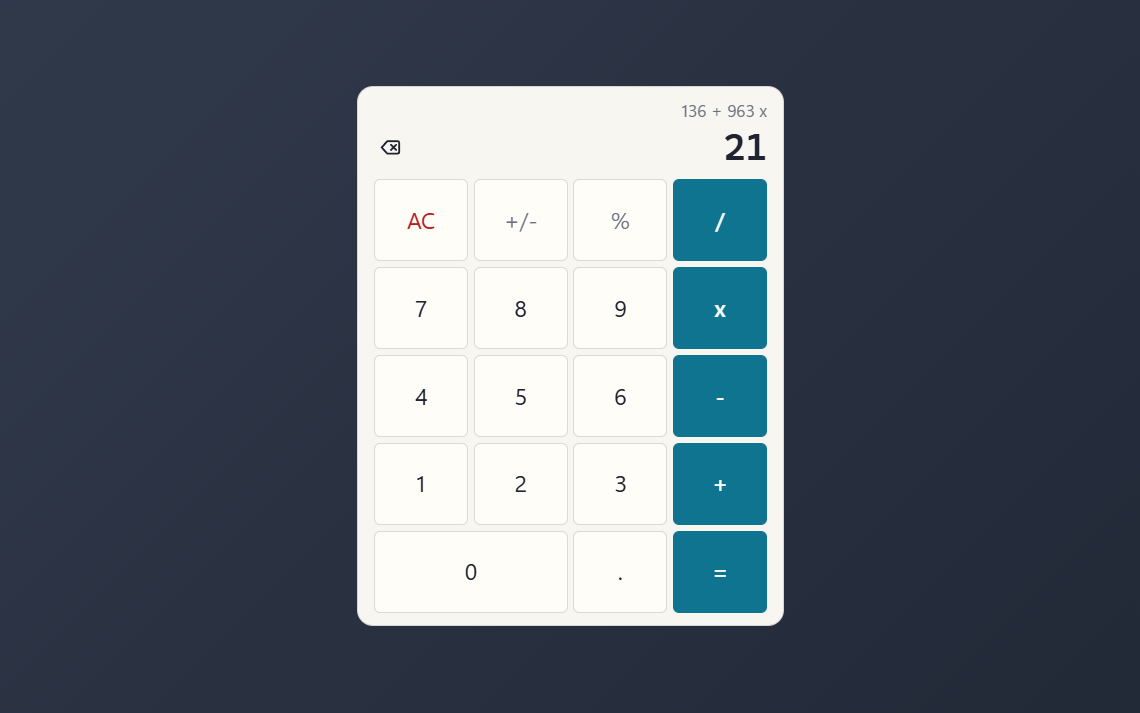
Calculator puts a clean basic calculator on your desktop: digits, the four operations, percent, sign toggle, decimal point, backspace and clear. It follows math precedence, so 2 + 3 x 4 gives 14, and the line above the display shows the expression as you build it.
Click it once and type: the keyboard covers everything, with Enter for equals, Escape for clear and Backspace to fix a slip. Every finished calculation lands on a history tape under the keys, and clicking a tape line loads that result back into the display. The tape and the last result survive restarts, stored locally on your machine.
Hide the tape for a compact keypad, tint the operator keys with your theme accent or a custom color, and pick a solid, transparent or hidden panel.
What it can access
- storage
Saves its own data inside the dashboard
Settings you can adjust
- Show history tape
On or off
- Panel style
One of: none, solid, transparent, image
- Background image
A file you pick
- Image fit
One of: cover, contain
- Use theme accent color
On or off
- Custom color
A color of your choice
Details
- Version
- v0.1.1
- Size
- 11 KB
- Uploaded
- 1 Sept 2026
- Last updated
- 17 Oct 2026
Version history
- v0.1.1
- 17 Oct 2026 · 11 KB
- v0.1.0
- 1 Sept 2026 · 11 KB


