
World Clock widget
by deskdash · v0.1.1 · 20 downloads
Widgets install from inside DeskDash.
Several cities' local times in one box, driven by the host's tick source
- Several cities on one tile, each with its own local time
- Says tomorrow or yesterday when a city is on another date
- Over 800 cities by name, plus zone ids, UTC offsets and your own row labels
- Stacked rows or side by side columns, type fitted to the tile
- Driven by the host tick source, always in step with the system clock
About this widget
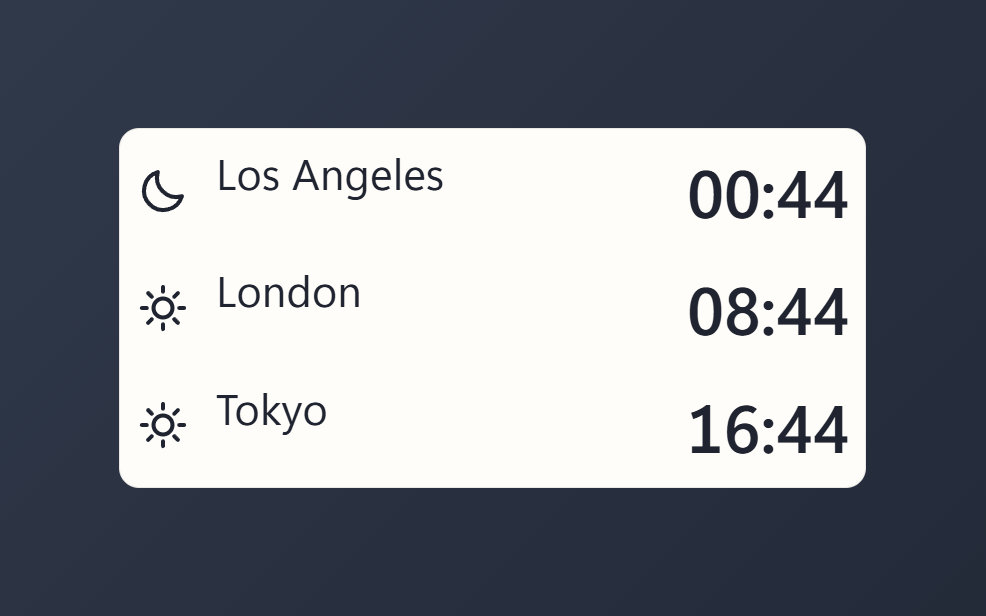
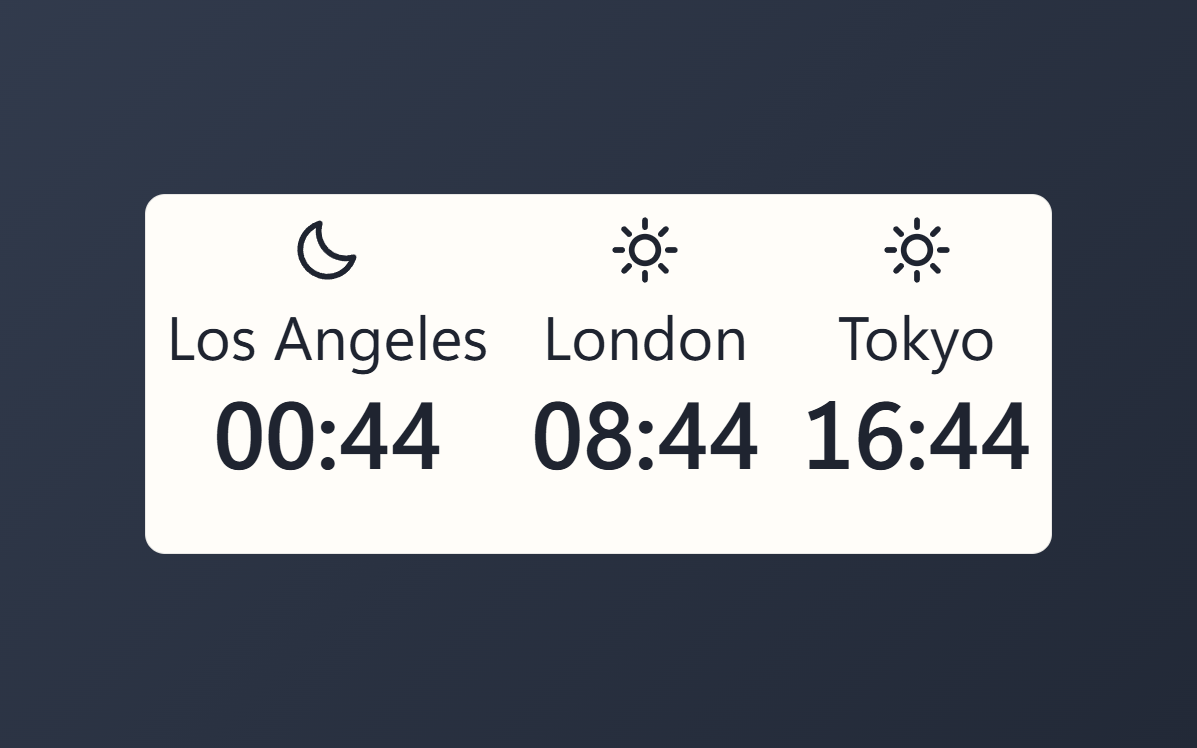
World Clock puts the time in several places on one tile. Add the cities you care about, one per row, and each one shows its own local time with a sun or a moon for the hour there. When a city is already on tomorrow's date, or still on yesterday's, the row says so in your own language.
Type a city name and the widget finds the time zone: over 800 cities, older spellings like Bombay and Peking, plain abbreviations like LA and NYC, and country names for countries with a single zone. You can also type an IANA zone id, a fixed offset such as UTC+9, the word Local for this PC, or Office: London to name a row yourself. Rows stack down the tile or sit side by side, and the type scales to fill whichever shape you give it.
What it can access
- time
Reads the current time from the dashboard's clock
Settings you can adjust
- Cities
A list of entries you add yourself (up to 12)
- Layout
One of: rows, columns
- 24-hour clock
On or off
- Show seconds
On or off
- Day and night icon
On or off
- Text size
One of: tiny, small, medium, large, huge
- Panel style
One of: none, solid, transparent, image
- Background image
A file you pick
- Image fit
One of: cover, contain
Details
- Version
- v0.1.1
- Size
- 19 KB
- Uploaded
- 11 Sept 2026
- Last updated
- 17 Oct 2026
Version history
- v0.1.1
- 17 Oct 2026 · 19 KB
- v0.1.0
- 11 Sept 2026 · 19 KB


