
Status Bar widget
by deskdash · v0.1.5 · 106 downloads
Widgets install from inside DeskDash.
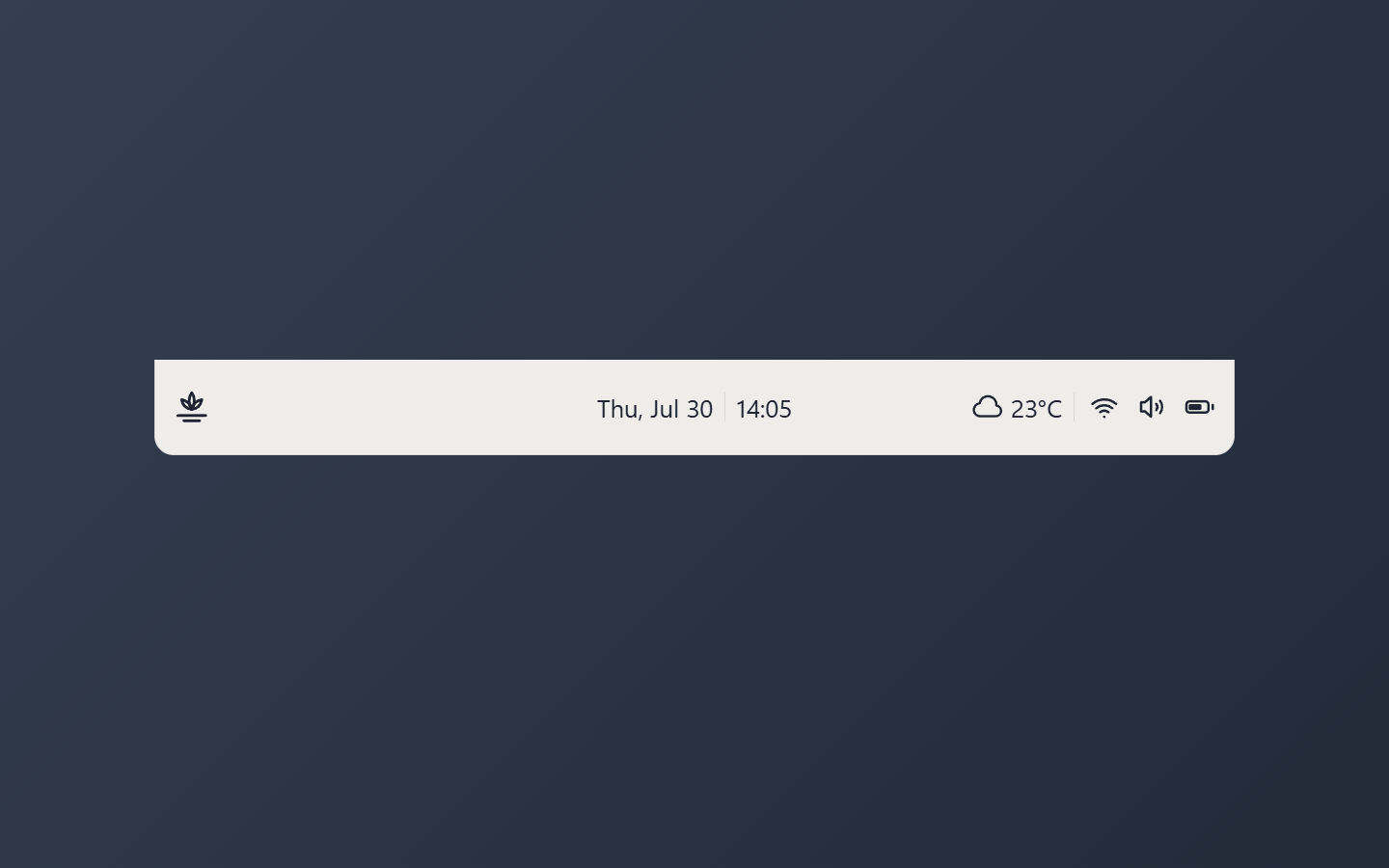
A slim top bar: date and time centered, weather, wifi, volume and battery at the right
- Date and time centered, weather and system status right, and the bar clicks through to the desktop
- Live weather for a city you choose, in Celsius or Fahrenheit
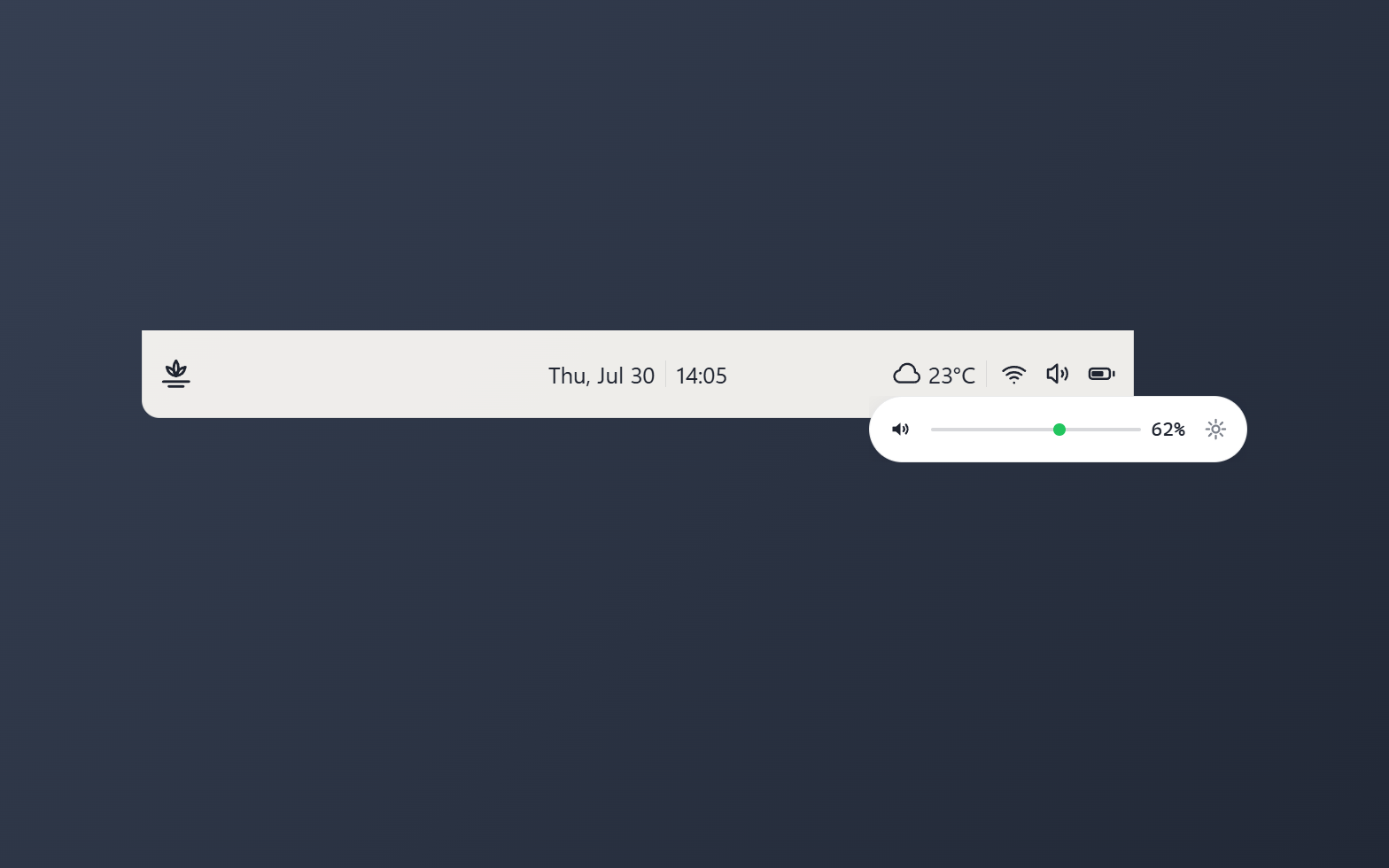
- Wifi, volume, and battery readouts that each hide when there is nothing to show, and a volume slider flyout
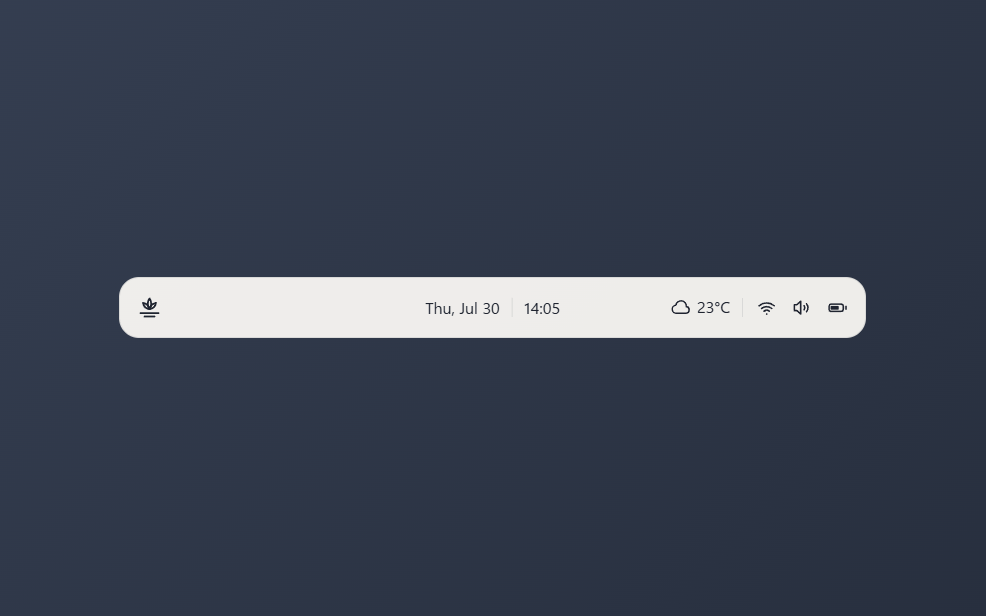
- Round the bottom, the top, or every corner, so the bar docks to either screen edge or floats free
- Pick a 12 or 24 hour clock, bar heights, which icons show, a logo or weather left side, and the panel style
About this widget
A thin bar for the edge of the screen, with the date and time held dead-center and weather plus system status pushed to the right. Weather covers a city you set, next to wifi strength, volume, and battery; each segment hides itself when its source has nothing to report (no adapter, no battery, or turned off). Clicking the volume icon opens a small slider flyout, while the rest of the bar lets clicks fall through to the desktop behind it.
Rounded corners decide which edge it belongs to: keep the curve at the bottom to sit flush with the top of the screen, at the top to sit flush with the bottom, or round every corner for a bar that floats free.
You can set the weather city, Celsius or Fahrenheit, the refresh interval, a 12 or 24 hour clock, one of three bar heights, which corners stay rounded, which status icons appear, what the left side shows (the logo, the weather, or nothing), and the panel background style.
What it can access
- internet
Talks to the internet, only to: api.open-meteo.com, geocoding-api.open-meteo.com
- time
Reads the current time from the dashboard's clock
- system
Reads system stats like CPU, memory and battery
- storage
Saves its own data inside the dashboard
- systemControls
Changes system settings such as volume, sound devices, Wi-Fi, Bluetooth and brightness
Settings you can adjust
- Weather city (blank hides weather)
Free text
- Units
One of: celsius, fahrenheit
- Weather refresh (minutes)
A number (10 to 180)
- 24-hour clock
On or off
- Bar height
One of: full, slim, slimmer
- Rounded corners
One of: bottom, top, all
- Left side
One of: logo, weather, none
- Show wifi
On or off
- Show volume
On or off
- Show battery
On or off
- Panel style
One of: none, solid, transparent, image
- Background image
A file you pick
- Image fit
One of: cover, contain
Details
- Version
- v0.1.5
- Size
- 10 KB
- Uploaded
- 21 Jul 2026
- Last updated
- 17 Oct 2026
Version history
- v0.1.5
- 17 Oct 2026 · 10 KB
- v0.1.4
- 1 Sept 2026 · 10 KB
- v0.1.3
- 29 Aug 2026 · 9 KB
- v0.1.2
- 10 Aug 2026 · 9 KB
- v0.1.1
- 28 Jul 2026 · 10 KB
- v0.1.0
- 21 Jul 2026 · 8 KB


