
Sticky Note widget
by deskdash · v0.1.2 · 33 downloads
Widgets install from inside DeskDash.
A classic sticky note that keeps whatever you type on it
- Click to type, click away to save, nothing else to press
- Text is saved locally and survives restarts
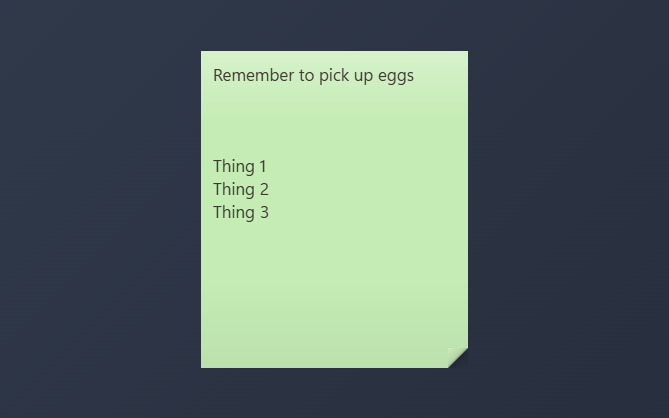
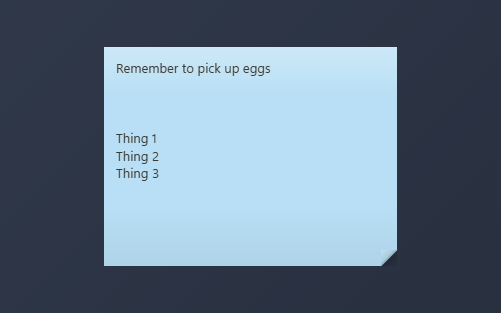
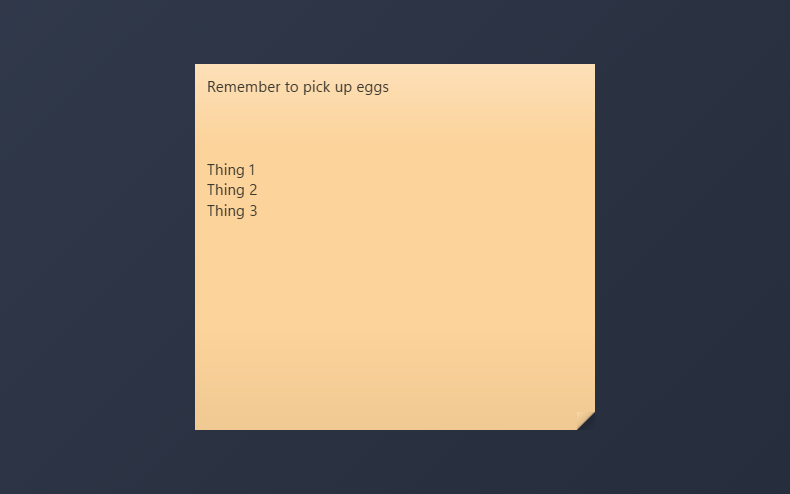
- Five classic paper colors, a custom color picker, two textures, and five text sizes
- Each note on the desktop keeps its own text and color
- Scrolls when a note outgrows its paper
About this widget
A sticky note that lives on your desktop. Click the note and start typing; click anywhere else and the text is saved on your machine automatically.
Pick the paper color (five classics, or any color of your own with the picker), the texture (a true sticky sheet, or a flat panel that matches the rest of your dashboard), and one of five text sizes in the widget settings. Add as many notes as you like; each one remembers its own text and color.
What it can access
- storage
Saves its own data inside the dashboard
Settings you can adjust
- Paper
One of: yellow, pink, blue, green, orange, custom
- Custom color
A color of your choice
- Texture
One of: paper, panel
- Text size
One of: tiny, small, medium, large, huge
Details
- Version
- v0.1.2
- Size
- 6 KB
- Uploaded
- 18 Aug 2026
- Last updated
- 1 Sept 2026
Version history
- v0.1.2
- 1 Sept 2026 · 6 KB
- v0.1.0
- 18 Aug 2026 · 5 KB


