
Weather widget
by deskdash · v0.1.4 · 84 downloads
Widgets install from inside DeskDash.
Current conditions for a city via Open-Meteo (no API key)
- Current temperature, condition label, and place name for a city you set
- Data from Open-Meteo; no account or API key required
- Weather icon that switches between day and night art
- Celsius or Fahrenheit, with a refresh interval from 10 to 180 minutes
- Solid or transparent panel style
About this widget
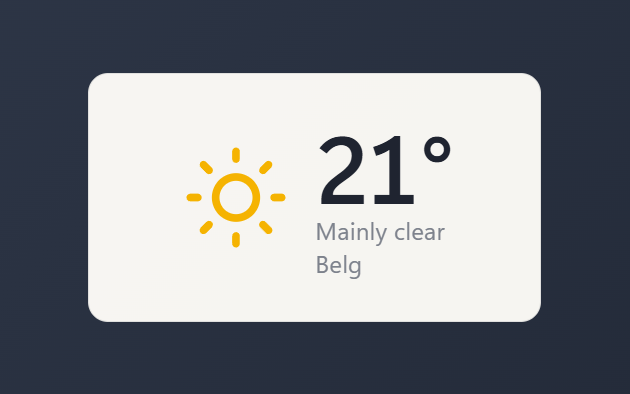
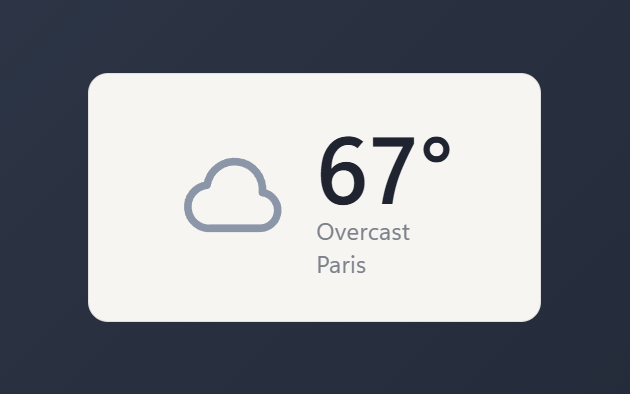
Weather shows the current conditions for one city, pulled from Open-Meteo with no account or API key. The panel displays a large temperature, a short condition label (sunny, partly cloudy, rain, snow, and so on), the place name, and a matching icon that switches between day and night art. It refreshes on its own at an interval you choose, and the city is geocoded once and cached, so later updates only fetch the conditions.
You can set the city, pick Celsius or Fahrenheit, choose a refresh interval from 10 to 180 minutes, and switch the panel between a solid and a transparent style.
What it can access
- internet
Talks to the internet, only to: api.open-meteo.com, geocoding-api.open-meteo.com
- storage
Saves its own data inside the dashboard
Settings you can adjust
- City
Free text
- Units
One of: celsius, fahrenheit
- Refresh (minutes)
A number (10 to 180)
- Text size
One of: tiny, small, medium, large, huge
- Panel style
One of: none, solid, transparent, image
- Background image
A file you pick
- Image fit
One of: cover, contain
Details
- Version
- v0.1.4
- Size
- 5 KB
- Uploaded
- 19 Jul 2026
- Last updated
- 1 Sept 2026
Version history
- v0.1.4
- 1 Sept 2026 · 5 KB
- v0.1.3
- 29 Aug 2026 · 5 KB
- v0.1.2
- 10 Aug 2026 · 4 KB
- v0.1.1
- 24 Jul 2026 · 5 KB
- v0.1.0
- 19 Jul 2026 · 9 KB
