
Forecast widget
by deskdash · v0.1.0 · 32 downloads
Widgets install from inside DeskDash.
The next hours or the next days for a city via Open-Meteo (no API key)
- Up to five slots: the next hours, 1, 2, 3 or 6 hours apart, or the next days
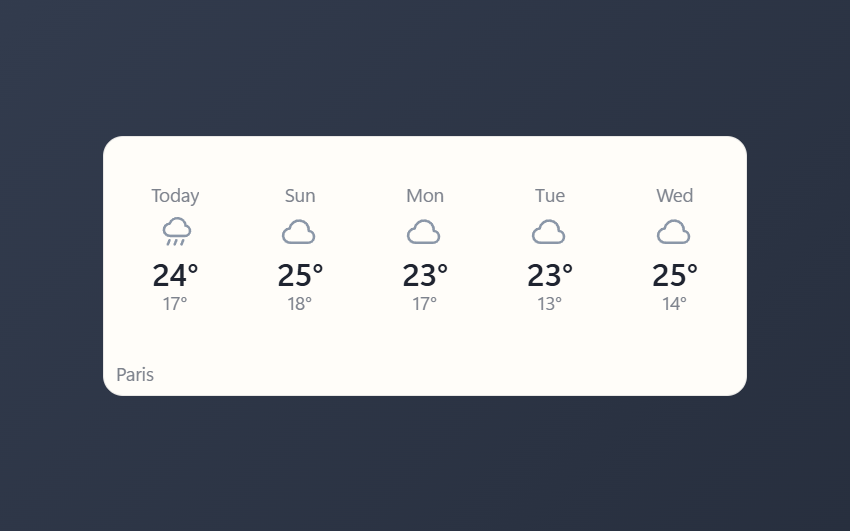
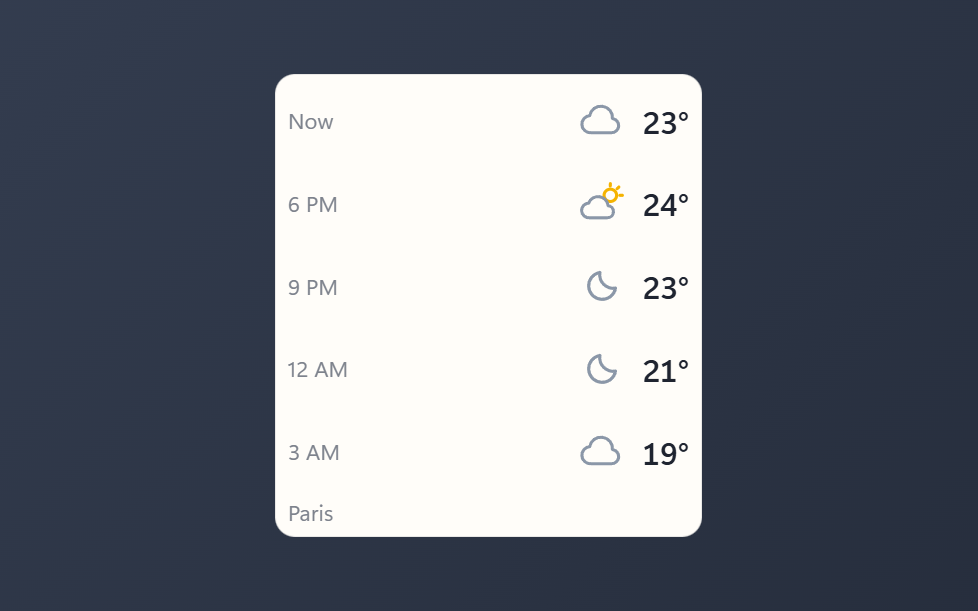
- Highs and lows in days mode, with day and night icon art
- Click the place name, or the prompt on a fresh widget, to jump to the city setting
- Data from Open-Meteo; no account or API key required
- Keeps the last forecast on screen when the network drops, and says how old it is
About this widget
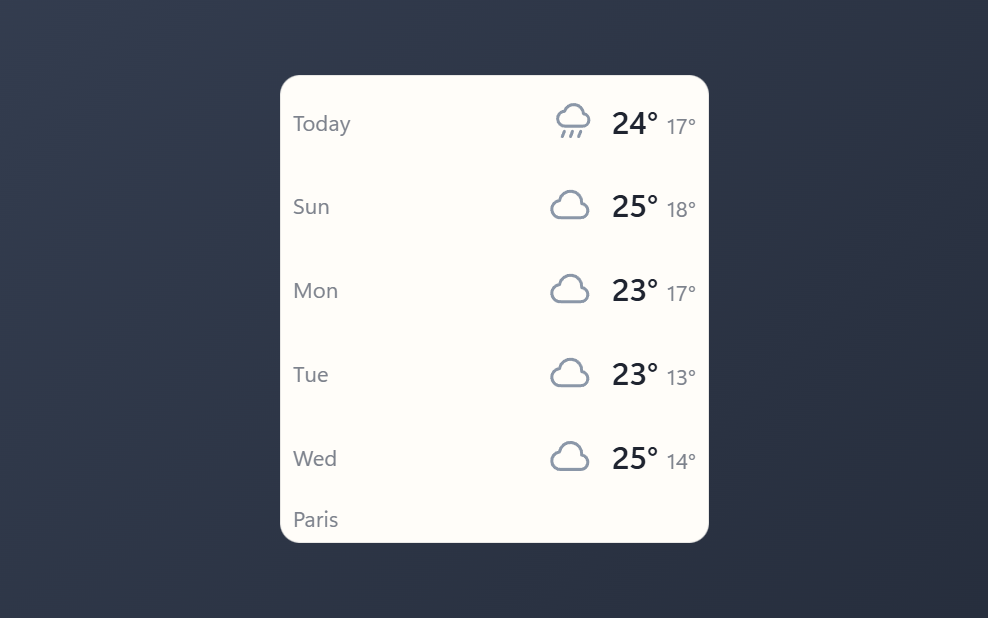
Forecast shows what the weather is about to do, as a strip of up to five slots. Pick hours and it reads Now plus the hours ahead; pick days and it reads Today plus the days ahead. Each slot carries the time or the weekday, a matching icon, and the temperature, with the day's low next to the high in days mode. The data comes from Open-Meteo, so there is no account and no API key.
Set the city, choose hours or days, choose how many slots to show, and in hours mode choose how far apart they sit: one, two, three or six hours, so five slots can reach a day and a half ahead. Celsius or Fahrenheit, a refresh interval from 10 to 180 minutes, and the usual solid, transparent, bare or image panel styles are all settings, and clicking the place name jumps straight to the city field. The strip lays out as a row in a wide tile and stacks into rows in a tall one, so it reads either way.
What it can access
- internet
Talks to the internet, only to: api.open-meteo.com, geocoding-api.open-meteo.com
- storage
Saves its own data inside the dashboard
Settings you can adjust
- City
Free text
- Show
One of: hours, days
- Slots shown
A number (1 to 5)
- Hours per slot
One of: 1, 2, 3, 6
- Units
One of: celsius, fahrenheit
- Refresh (minutes)
A number (10 to 180)
- Panel style
One of: none, solid, transparent, image
- Background image
A file you pick
- Image fit
One of: cover, contain
Details
- Version
- v0.1.0
- Size
- 9 KB
- Uploaded
- 29 Aug 2026
- Last updated
- 29 Aug 2026
Version history
- v0.1.0
- 29 Aug 2026 · 9 KB
