
Visualizer widget
by deskdash · v0.3.0 · 45 downloads
Widgets install from inside DeskDash.
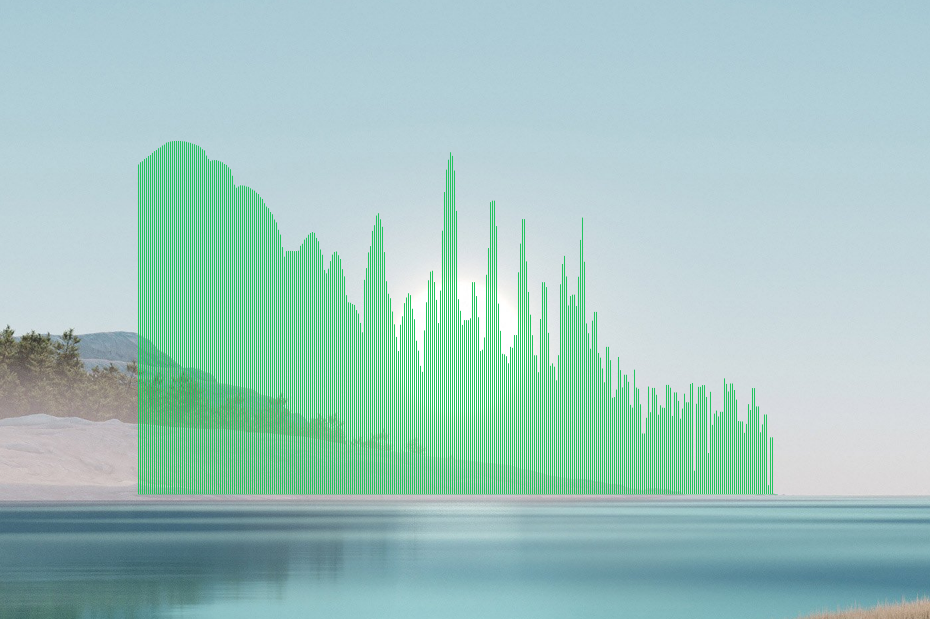
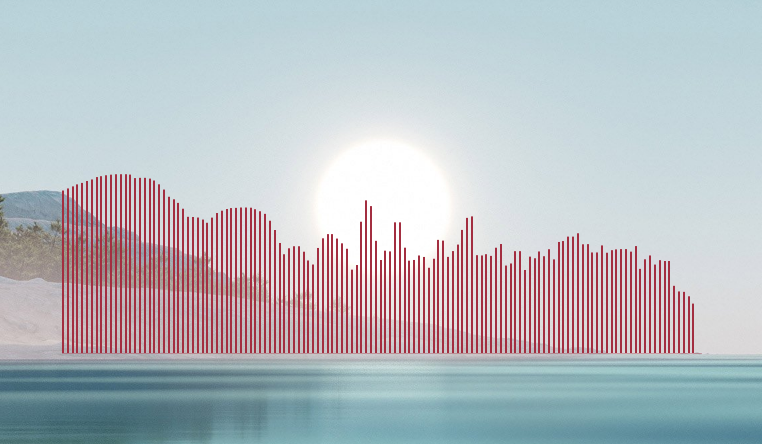
Audio spectrum bars: a transparent baseline that dances with whatever is playing
- Two layouts: linear bars rising from a baseline, or radial bars around a ring
- Reacts to any audio playing on your PC, with nothing to set up first
- Fully transparent; no panel or background, only the bars are painted
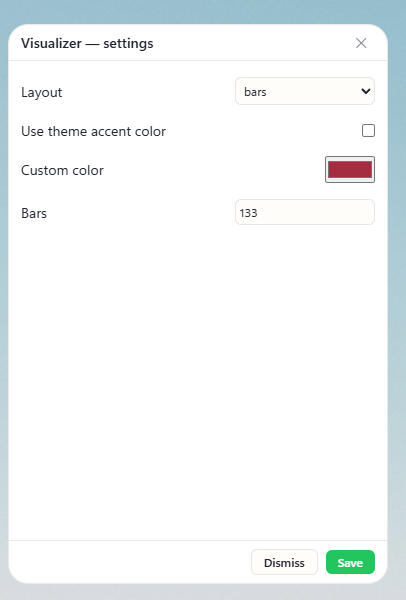
- Follows your theme accent color, or set a custom color
- Set a bar count, or a fixed bar width and gap; every bar is the same width either way

About this widget
Visualizer draws audio spectrum bars that react to whatever is playing on your PC, painted on a fully transparent canvas with no panel or background. Choose the linear layout, where bars rise from a faint baseline across the width, or radial, where they radiate outward from a ring. When nothing is playing you see only the thin baseline, and the loop parks itself so an idle visualizer costs no CPU. Set the number of bars (8 to 3840, up to one per pixel); the count snaps to the nearest one that gives every bar the same pixel width. Or turn on Fixed bar width, set the width and gap in pixels, and the bar count follows the size of the widget. Let them follow your theme accent color or pick a custom one.
What it can access
- audio
Reads audio levels (for visualizations)
Settings you can adjust
- Layout
One of: bars, radial
- React to all sound, not just media players
On or off
- Use theme accent color
On or off
- Custom color
A color of your choice
- Fixed bar width
On or off
- Bars
A number (8 to 3840)
- Bar width (px)
A number (1 to 100)
- Bar gap (px)
A number (0 to 100)
Details
- Version
- v0.3.0
- Size
- 7 KB
- Uploaded
- 22 Jul 2026
- Last updated
- 14 Oct 2026
Version history
- v0.3.0
- 14 Oct 2026 · 7 KB
- v0.2.1
- 14 Oct 2026 · 7 KB
- v0.2.0
- 10 Aug 2026 · 6 KB
- v0.1.1
- 28 Jul 2026 · 6 KB
- v0.1.0
- 22 Jul 2026 · 5 KB
